
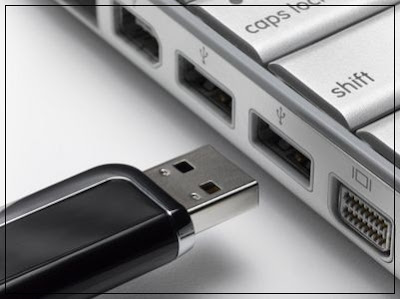
This is the most important trick for those who left their computer
open for a while, and other people get access to the computer and with the help
of USB, they steal data without prior knowledge. If you want to secure your
computer without your presence with which no one can steal your data, then
follow the three ways, so that you can block or disable all USB ports in your
system but, later on, you can again enable it for your use.
1. Disable or Enable USB Drivers and Mass Storage Drivers Using
Registry
I would prefer this method for everyone because it helps users to
do the process of enabling and disabling the USB ports in fast, effective way
irrespective of other methods, if the administrator is quite smart, the
register setting will save more time.
